
imei & carrier service 🚀Tools Rent AUTO API 24X7 🛒activation / credits OTp & server Service By Group
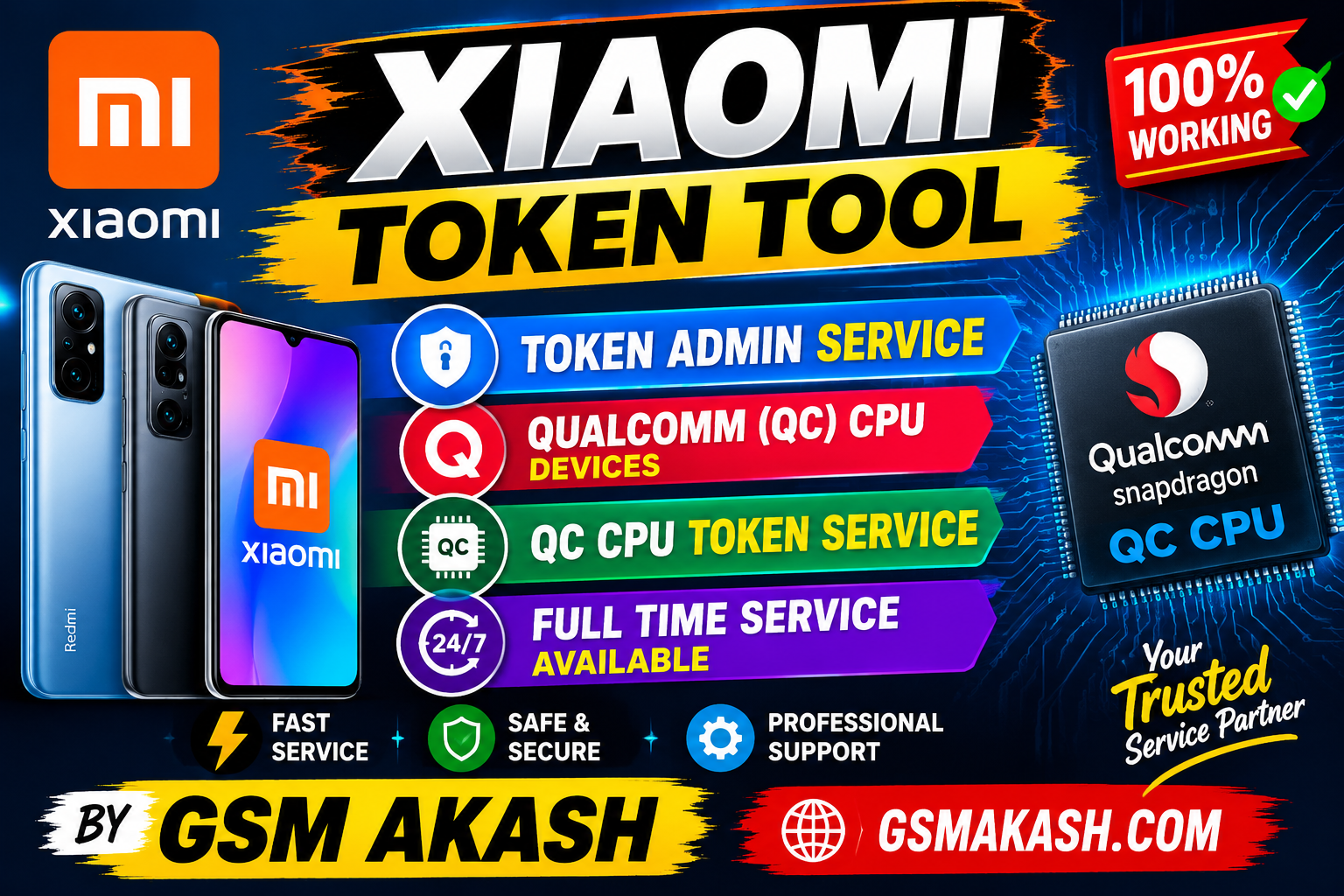
XiaomiTokenTool gsmakash.com
Price
0.01 USD
Delivery
instent
Status
In Stock
You must agree before submitting.
Xiaomi Token Tool – Basic Process
For authorized service work on supported Qualcomm (QC CPU) Xiaomi devices:
-
Install the required Qualcomm USB drivers on your PC.
-
Open Xiaomi Token Tool.
-
Connect the supported Xiaomi device in the service mode required by the tool.
-
Wait for the tool to detect the device/COM port.
-
Select the appropriate QC CPU / Token Service option.
-
Complete the authorized token verification/service operation.
-
Restart the device and check the basic functions.
Note: Use the tool only for authorized service operations.
BUY TOKEN
🔐 XIAOMI TOKEN TOOL
⚡ QC CPU TOKEN SERVICE
🕐 FULL TIME SERVICE AVAILABLE
🛒 BUY TOKEN FROM ADMIN
🌐 GSMAKASH.COM
GSM AKASH — TOKEN ADMIN 8756923566