
imei & carrier service 🚀Tools Rent AUTO API 24X7 🛒activation / credits OTp & server Service By Group
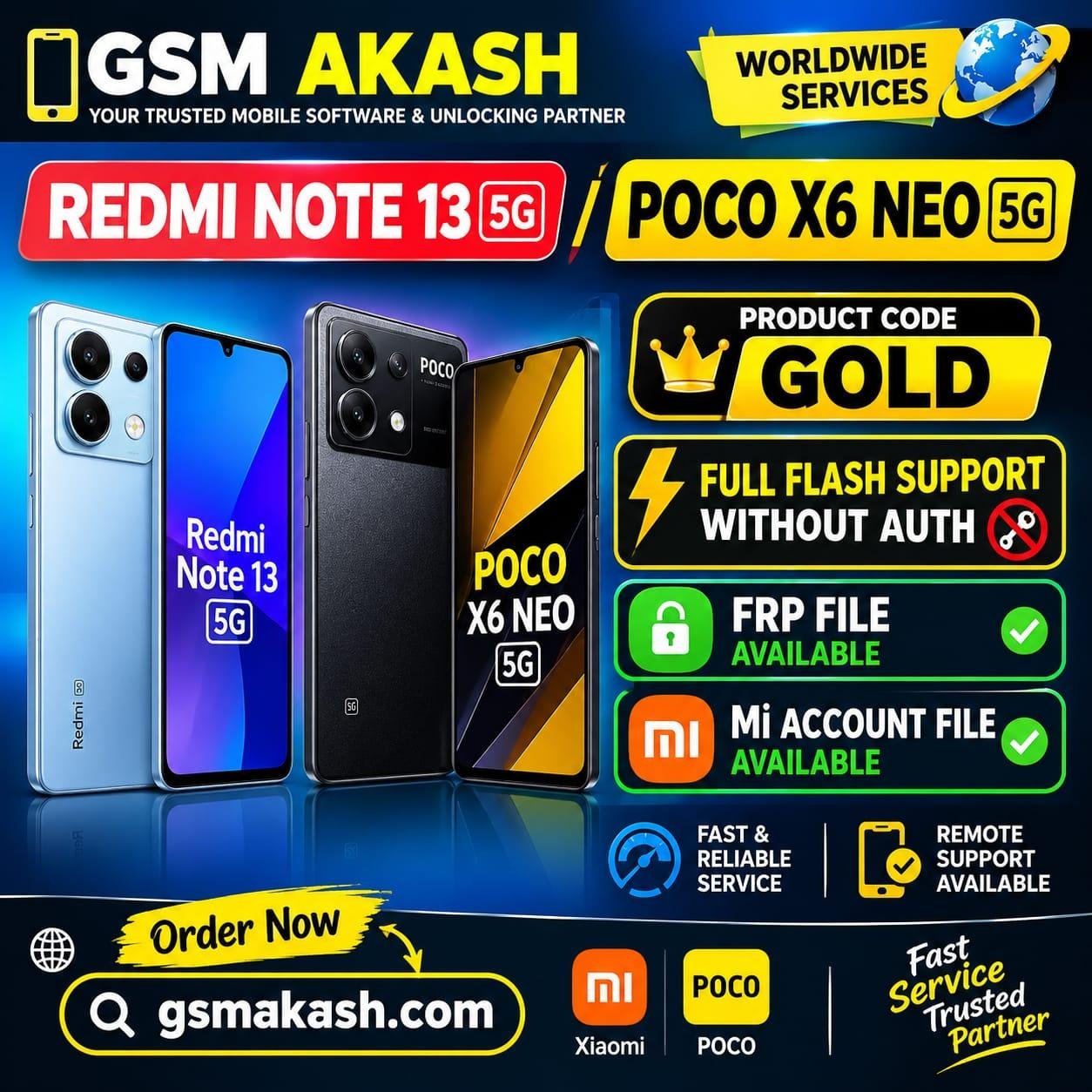
REDMI NOTE 13 5G / POCO X6 NEO 5G frp file &mi acount file without auth
Price
1 USD
Delivery
Instant
Status
In Stock
You must agree before submitting.
FULL FLASH PROCESS
1. Load Firmware + Scatter File.
2. Untick Preloader.
3. Untick Persist unless specifically required.
4. Select the required partitions.
5. Choose Download Only.
6. Power OFF the device.
7. Press and hold Volume Up + Volume Down.
8. Connect the USB cable while holding both buttons.
9. Start the flashing process.
10. After flashing is complete, reboot the device.